

 One-to-one
Customizable template
Difficult Conversations
Navigate sensitive topics with empathy, clarity and professionalism.
Modality: One-to-one role-play · Healthcare, HR, education, social work
Customize This SimulationCreate AACN-aligned simulations, bring them to life with responsive AI patients, give every learner repeated practice from a browser, and capture evidence against faculty-defined rubrics.
No headset. No coding. No fixed case library.
New: explore our Solutions Portfolio of 16 customizable simulationsDesign → Build → Practice → Prove
Competencies, learning outcomes, scenario blueprint, rubric, debrief.
AI patient, avatar, voice, behavior, clinical boundaries, assessment setup.
Visit StudioConversation, decision-making, repetition, reflection.
Rubric evidence, transcripts, cohort performance, program outcomes.
Three outcomes
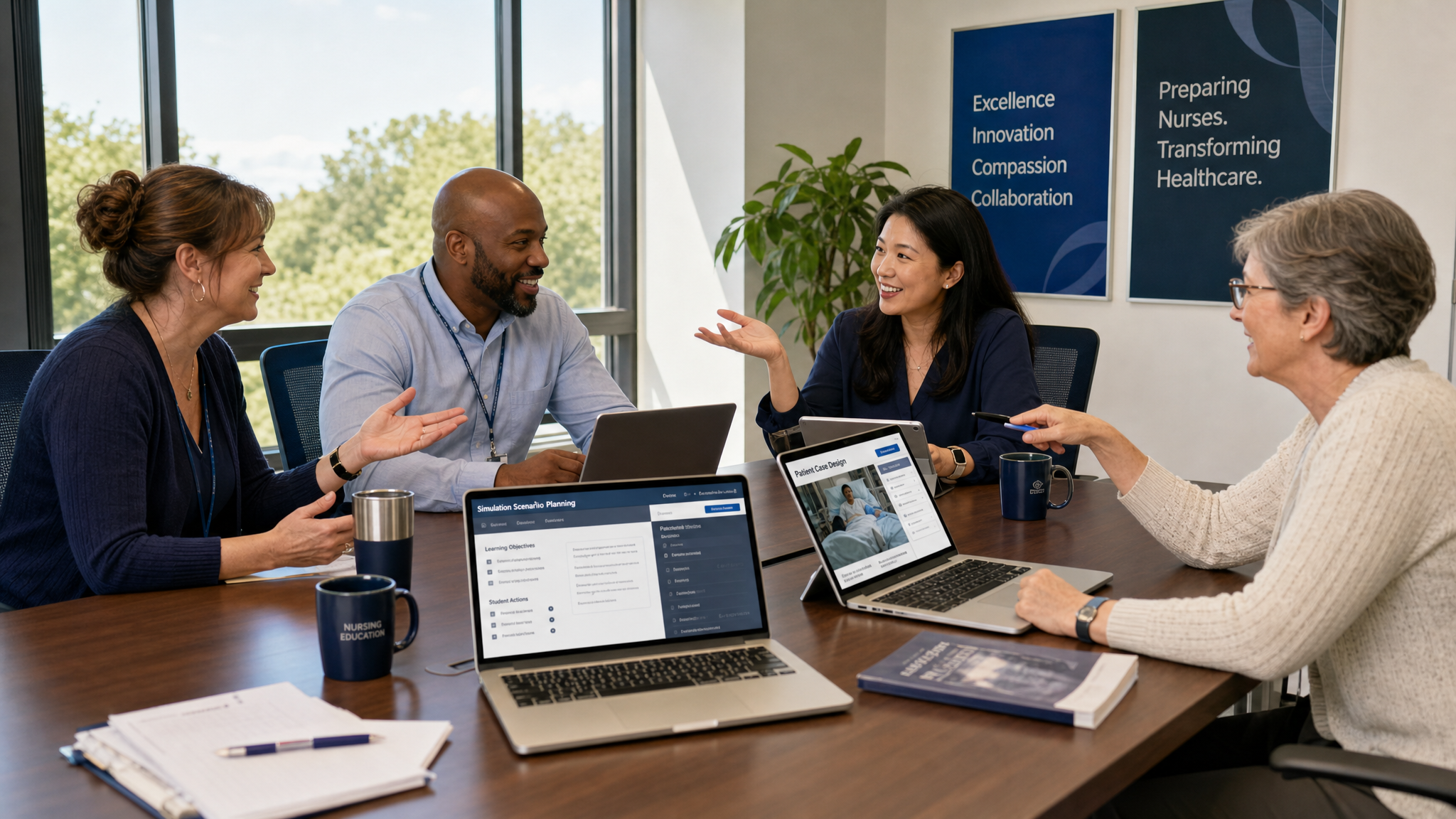
Faculty build
Describe the case, set the learning outcomes and rubric, and shape how the patient behaves. No coding and no fixed case library.
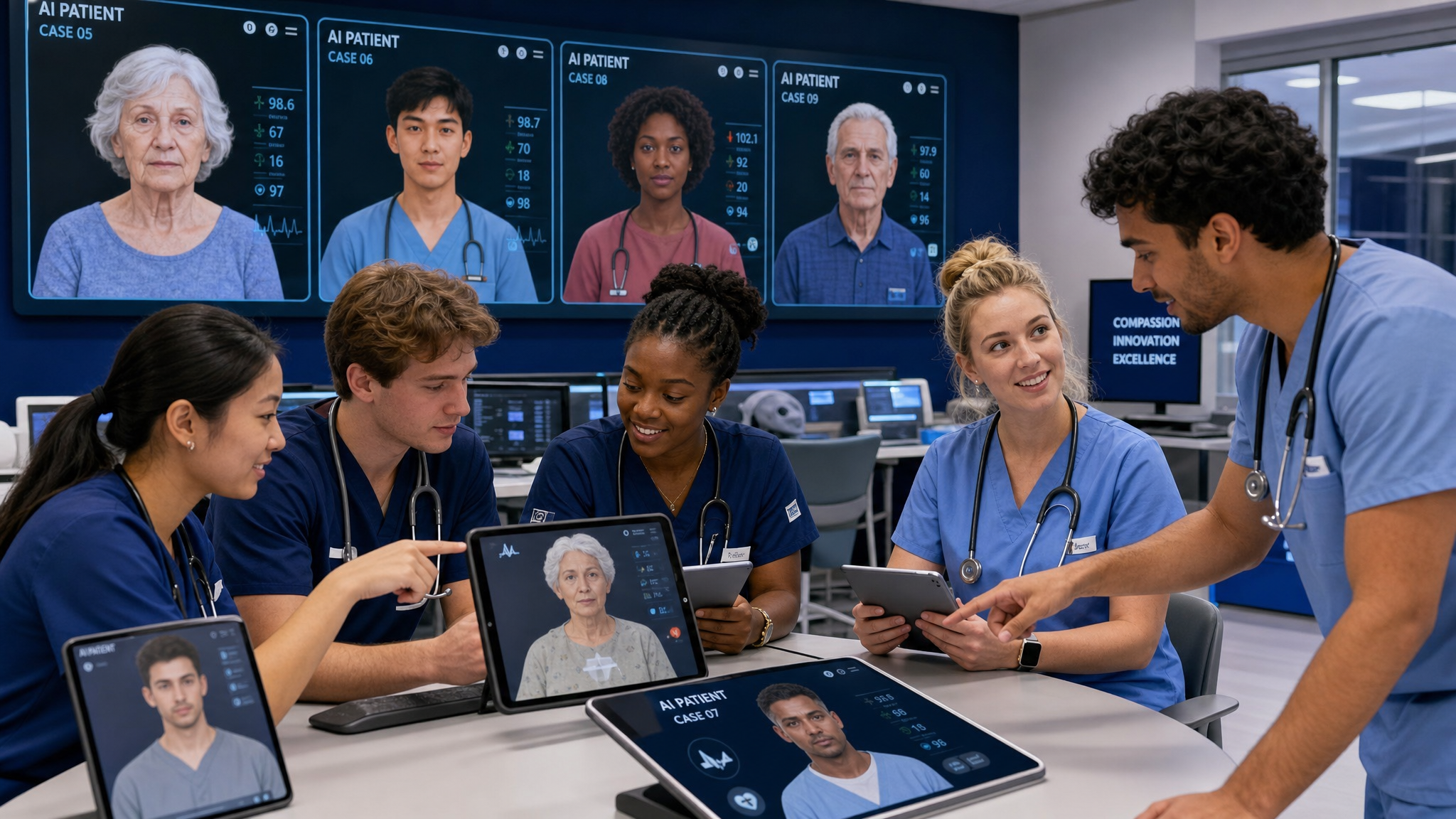
Students practice
Learners hold patient and team conversations by voice or text, then reflect on rubric-linked feedback with evidence from the encounter.
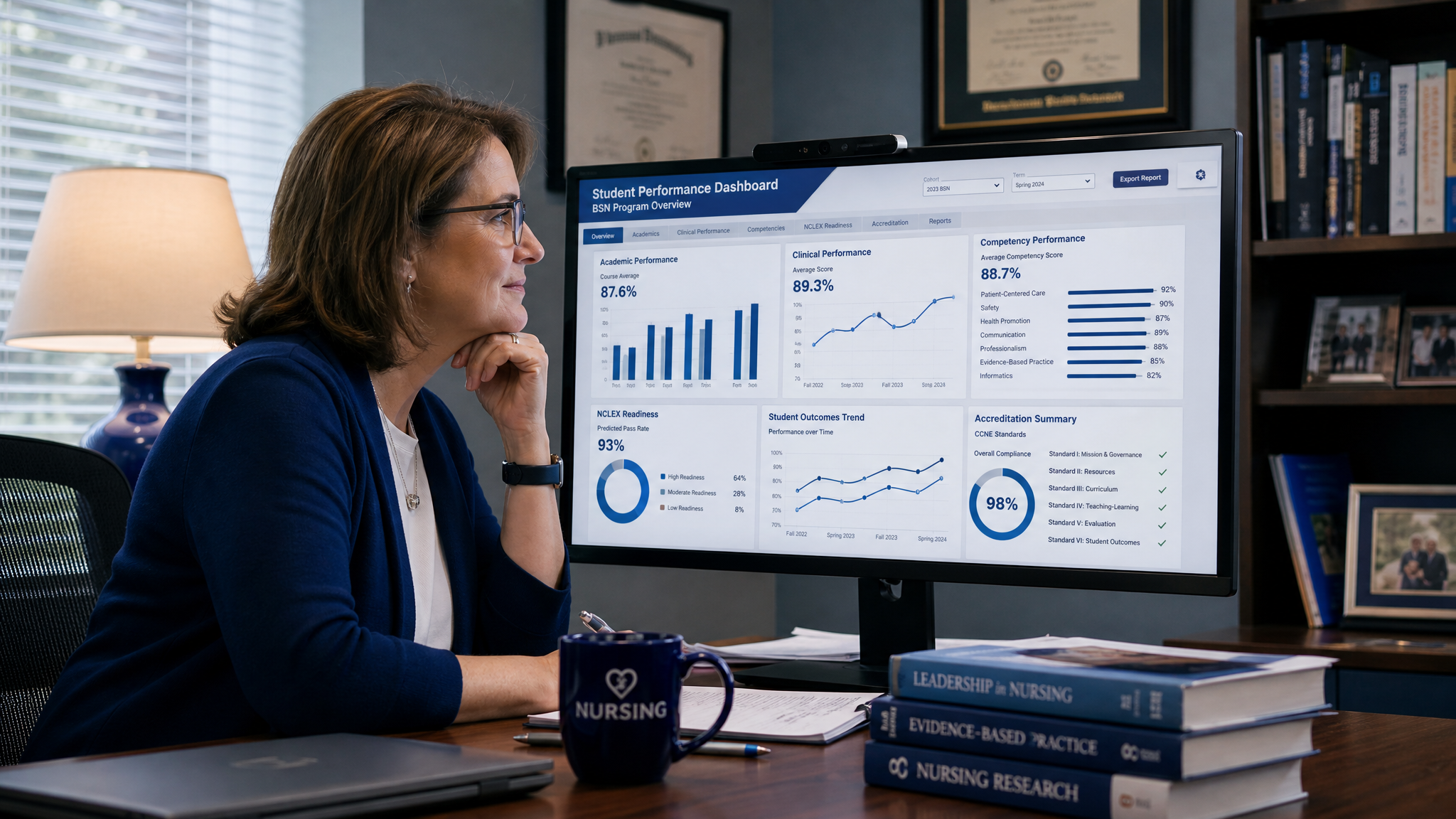
Programs prove
Transcripts, criterion scores and cohort views give AACN-aligned evidence to support accreditation and program review.
Why Simagine
Designed to complement your simulation lab and standardized patients — not replace them.
Why we built SimagineYou author the case, the patient and the rubric. The AI follows your clinical boundaries.
No headset, no download. Learners join from a supported browser with a microphone or keyboard.
Start from the competency and learning outcome, then build the encounter around it.
Rubric-linked feedback with evidence from the encounter, with faculty review for consequential decisions.
Start with a small top-up. No seat licence, no contract, no minimum cohort.
Competency collections
Every scenario packages a prebrief, learner instructions, the simulation, a rubric, and reflection and debrief prompts.
Explore all collectionsRapport, active listening, empathy, difficult conversations.
ViewAnxiety, depression, risk assessment, de-escalation.
ViewNoticing, interpreting, prioritising and responding.
ViewIdentification, escalation, safe handover, error disclosure.
ViewDelegation, conflict, team communication, SBAR.
ViewRemote assessment, triage and follow-up conversations.
ViewHistory-taking, shared decision-making, complex presentations.
ViewSolutions Portfolio
Build professional capability through customizable AI-powered role-play and multi-avatar experiences. Adapt scenarios, roles, learning objectives and assessment rubrics to the standards of your discipline or institution.
The learner holds a realistic conversation with a single AI character, then receives feedback against the learning objectives. Eight core professional competencies, each a customizable template.
8 customizable templates
The learner steps into one of up to four roles in a team conversation. A separate Simagine tool: each team scenario is designed and built together with our team for your program.
How team scenarios workFilter by modality, discipline or competency. Every scenario can be adapted to your learners.
Showing 16 of 16 simulations
One-to-oneCustomizable template
Navigate sensitive topics with empathy, clarity and professionalism.
Modality: One-to-one role-play · Healthcare, HR, education, social work
Customize This Simulation One-to-one
Customizable template
Deliver unfavorable information compassionately and clearly.
Modality: One-to-one role-play · Healthcare, HR, education, business
Customize This Simulation One-to-one
Customizable template
Manage escalating interactions and work toward constructive outcomes.
Modality: One-to-one role-play · Healthcare, customer service, youth services, education
Customize This Simulation One-to-one
Customizable template
Explore competing interests and reach ethical agreements.
Modality: One-to-one role-play · Business, healthcare, social services
Customize This Simulation One-to-one
Customizable template
Practice inquiry, reflection and supportive communication.
Modality: One-to-one role-play · Counseling, healthcare, education, leadership
Customize This Simulation One-to-one
Customizable template
Navigate confidentiality, competing duties and boundaries.
Modality: One-to-one role-play · Healthcare, law, education, social work
Customize This Simulation One-to-one
Customizable template
Coach colleagues and address performance constructively.
Modality: One-to-one role-play · HR, management, healthcare leadership
Customize This Simulation One-to-one
Customizable template
Develop shared solutions to complex problems.
Modality: One-to-one role-play · Healthcare, community services, business
Customize This Simulation Team · up to 4 roles
Built with our team
A person shows possible indicators of exploitation. The team must respond without assumptions, prioritize safety and autonomy, and coordinate appropriate support.
Modality: Multi-avatar team scenario · Nursing, medicine, social work, criminal justice, victim services
Design Your Team Simulation Team · up to 4 roles
Built with our team
A patient’s condition deteriorates; the team must share observations, escalate concerns and coordinate next steps.
Modality: Multi-avatar team scenario · Nursing, medicine, pharmacy, respiratory therapy
Design Your Team Simulation Team · up to 4 roles
Built with our team
A young person shares information suggesting possible harm. Team members weigh confidentiality, trust and safeguarding obligations.
Modality: Multi-avatar team scenario · Education, social work, youth justice, healthcare
Design Your Team Simulation Team · up to 4 roles
Built with our team
A client has intertwined housing, health, employment and family needs; agencies must agree a realistic coordinated plan.
Modality: Multi-avatar team scenario · Social work, public health, healthcare, community services
Design Your Team Simulation Team · up to 4 roles
Built with our team
Leaders must allocate limited resources while balancing equity, operations and competing stakeholder needs.
Modality: Multi-avatar team scenario · Business, education, healthcare management, nonprofit leadership
Design Your Team Simulation Team · up to 4 roles
Built with our team
An unexpected incident creates uncertainty and competing demands. The team must establish priorities and communicate under pressure.
Modality: Multi-avatar team scenario · Emergency management, education, healthcare, business continuity
Design Your Team Simulation Team · up to 4 roles
Built with our team
Family and professionals disagree about a care, education or support plan; participants must reach an ethically appropriate way forward.
Modality: Multi-avatar team scenario · Healthcare, education, counseling, social work
Design Your Team Simulation Team · up to 4 roles
Built with our team
A sensitive workplace allegation requires careful information gathering, fairness and a proportionate response.
Modality: Multi-avatar team scenario · HR, business, education, healthcare leadership
Design Your Team SimulationTell us about your learners and goals. We review your request and get back to you to plan the simulation with you.
Start from the default objectives for a scenario and edit them to match your course or program.
Set the character, discipline and learner level, or up to four roles for a team scenario.
Use an institutional, professional or custom rubric. Send us the document or describe it.
We adapt terminology, setting and, where it matters, the reporting rules of your jurisdiction.
Assessment & evidence
Rubric-linked feedback with evidence from the encounter. Faculty define the criteria, review the full transcript and keep the final say.
Use AI for repeatable practice; preserve faculty judgment for consequential assessment.
Example rubric evidence
Illustrative example“It sounds like the last few weeks have been really hard for you.”
Asked about sleep and appetite; did not ask about alcohol use.
Linked low mood to recent job loss; considered safety risk.
“Have you had any thoughts of harming yourself?”
Introduced self and role, explained confidentiality.
Solutions
Integrations
Students reach their simulation from the course page they already use.
Add a simulation to your course as an LTI 1.3 assignment link. Live today with Blackboard; we can work with your LMS team to connect other LTI 1.3 platforms such as Canvas, Moodle and D2L Brightspace.
Students and faculty who launch from the LMS are signed in automatically, with no separate Simagine password to remember.
When the assignment is set up for grades, the score returns to the LMS gradebook, and is updated if faculty adjust it after review.
No LMS admin setup needed: post a link and an access code in any course page, including Moodle, Canvas and Blackboard.
Roster sync and direct institutional single sign-on (SAML) are not available yet. If your institution needs them, tell us about your requirements.
We are measuring how Simagine performs with partner programs and will publish methods, results and limitations as they become available.
Pricing & pilots
Faculty pilot → course package → program adoption → institutional expansion.
Faculty Starter
From $10
Pay as you go for one faculty member. Top up your wallet from $10 and pay only for the simulation minutes your students use, with student results included. $10 covers SimVoice and SimPortrait; for Interactive avatar sessions we recommend $30 or more.
Get startedCourse Pack
Contact us
Defined number of learners and encounters, faculty authoring, class analytics, predictable fixed price.
Talk to usProgram
Contact us
Multiple faculty, shared library, usage pool, program analytics, onboarding, competency mapping.
Talk to usEnterprise
Contact us
LMS integration (LTI 1.3), institutional reporting, governance, support, data export and a negotiated usage pool.
Talk to usNo headset. No coding. No fixed case library.
Build Your First Simulation